Menu Block (9) | Donation (5) | Amazon (5) | Opentable (3)
Subheading
Menu
Subheading
Menu
Subheading
Menu






Subheading
Donation Block
Use donation blocks to collect donations from visitors to your cause or organization. You can also use them to set up a customized cash gift registry on a wedding website.

Subheading
Donation Block
Use donation blocks to collect donations from visitors to your cause or organization. You can also use them to set up a customized cash gift registry on a wedding website.
Donation blocks are a premium feature available in Business, Commerce, Professional, and Premium plans for Squarespace.

Subheading
Donation Block
Use donation blocks to collect donations from visitors to your cause or organization. You can also use them to set up a customized cash gift registry on a wedding website.
Donation blocks are a premium feature available in Business, Commerce, Professional, and Premium plans for Squarespace.

Subheading
Donation Block
Use donation blocks to collect donations from visitors to your cause or organization. You can also use them to set up a customized cash gift registry on a wedding website.
Donation blocks are a premium feature available in Business, Commerce, Professional, and Premium plans for Squarespace.

Subheading
Donation Block
Use donation blocks to collect donations from visitors to your cause or organization. You can also use them to set up a customized cash gift registry on a wedding website.
Donation blocks are a premium feature available in Business, Commerce, Professional, and Premium plans for Squarespace.
Subheading
Amazon Product Listings
Use Amazon blocks to display and link to an item on Amazon. When a visitor clicks the block, they'll be directed to the item's page on Amazon. This is a great way to highlight an item you're selling, promoting, or reviewing without Associate links or third-party code embeds.
If you participate in Amazon's Associates program, you can add your Associates ID to ensure you get credit when a visitor clicks through the block and completes a purchase.

Subheading
Amazon Product Listings
Use Amazon blocks to display and link to an item on Amazon. When a visitor clicks the block, they'll be directed to the item's page on Amazon. This is a great way to highlight an item you're selling, promoting, or reviewing without Associate links or third-party code embeds.
If you participate in Amazon's Associates program, you can add your Associates ID to ensure you get credit when a visitor clicks through the block and completes a purchase.
Subheading
Amazon Product Listings
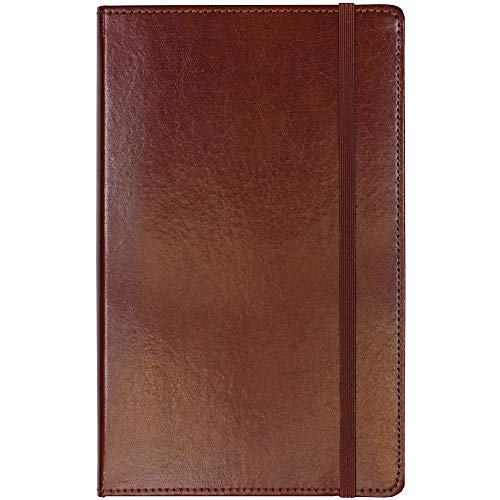
Use Amazon blocks to display and link to an item on Amazon. When a visitor clicks the block, they'll be directed to the item's page on Amazon. This is a great way to highlight an item you're selling, promoting, or reviewing without Associate links or third-party code embeds.
Subheading
Amazon Product Listings
Use Amazon blocks to display and link to an item on Amazon. When a visitor clicks the block, they'll be directed to the item's page on Amazon. This is a great way to highlight an item you're selling, promoting, or reviewing without Associate links or third-party code embeds.
Subheading
Amazon Product Listings
Use Amazon blocks to display and link to an item on Amazon. When a visitor clicks the block, they'll be directed to the item's page on Amazon.


Subheading
Open Table
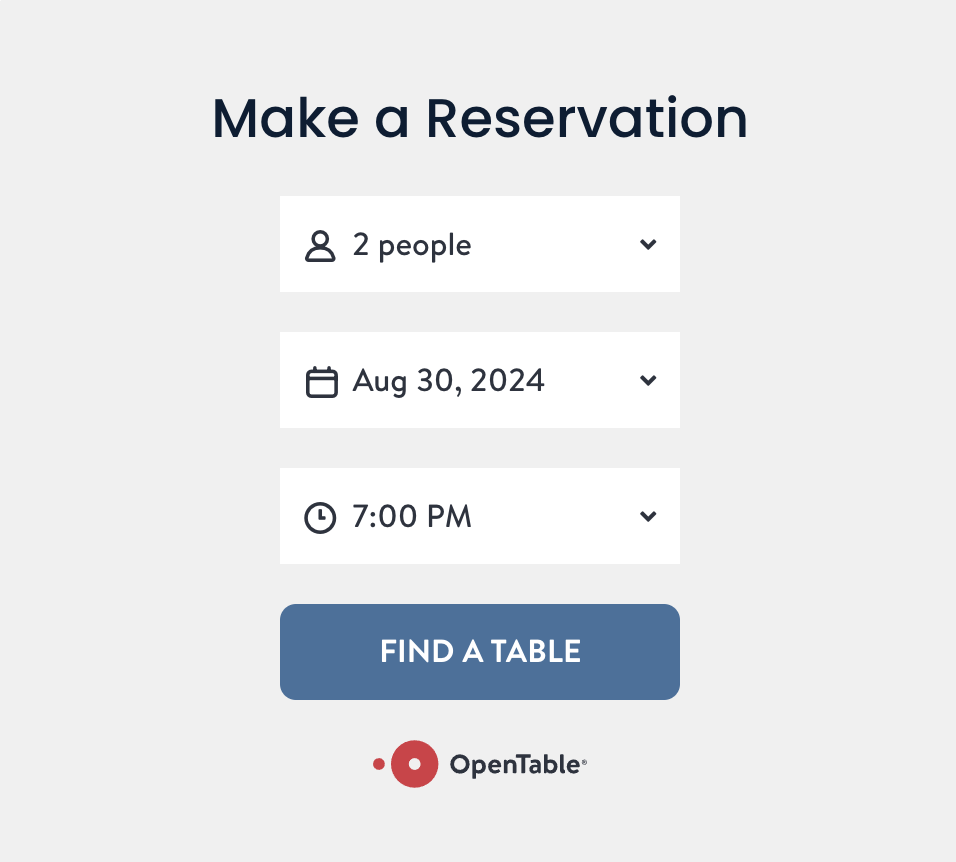
Use OpenTable blocks to add restaurant reservation booking or waitlist signup to your site. This is a placeholder image, you will need to manually add the OpenTable block to this template. You can add the OpenTable block to your homepage, footer, or its own reservations page in your main navigation.
*This block is only available on Business, Commerce, Professional, & Premium Squarespace plans.
Subheading
Open Table
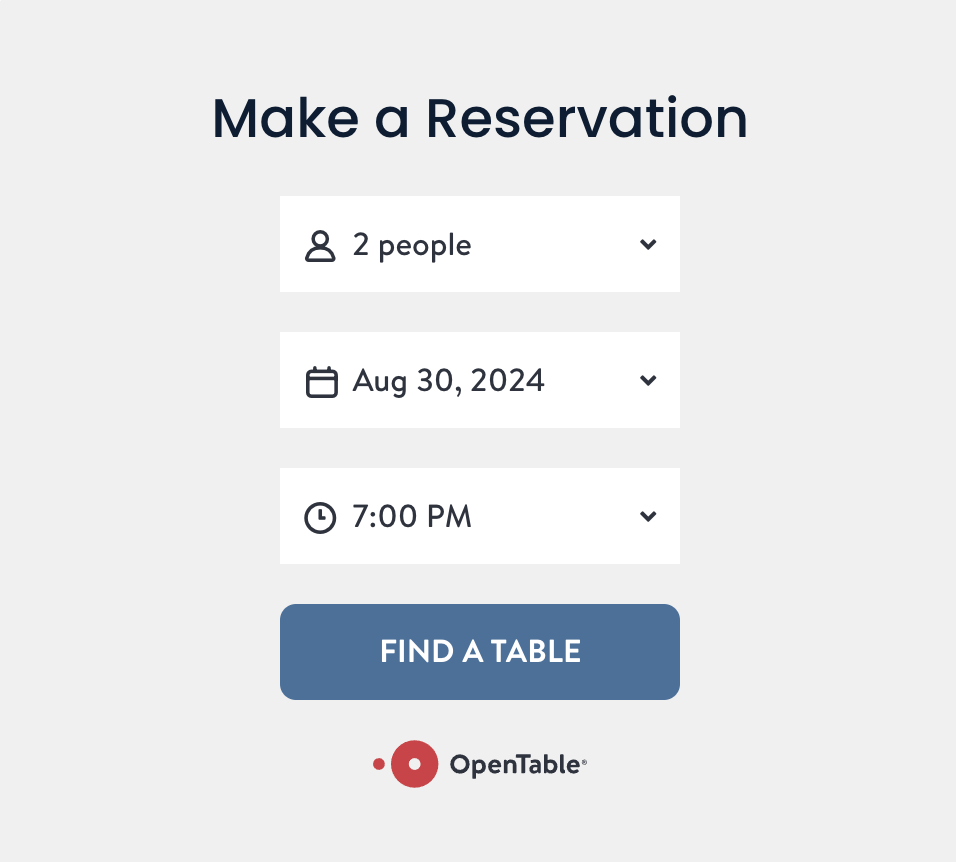
Use OpenTable blocks to add restaurant reservation booking or waitlist signup to your site. This is a placeholder image, you will need to manually add the OpenTable block to this template. You can add the OpenTable block to your homepage, footer, or its own reservations page in your main navigation.
*This block is only available on Business, Commerce, Professional, & Premium Squarespace plans.