Waitlist (3) | Redirect Button (6) | Scheduling Block (9)
Subheading
Join the Waitlist
Subheading
Join the Waitlist

Subheading
Join the Waitlist
Subheading
Schedule Your Appointment
Describe how customers can book an appointment with you here. Use the primary button to redirect to the built-in Scheduling app, or any third-party link. Use the pop-up form button to provide a way for customers to ask questions or join a waitlist.
Subheading
Schedule Your Appointment
Describe how customers can book an appointment with you here. Use the primary button to redirect to the built-in Scheduling app, or any third-party link. Use the pop-up form button to provide a way for customers to ask questions or join a waitlist.

Subheading
Schedule Your Appointment
Describe how customers can book an appointment with you here. Use the primary button to redirect to the built-in Scheduling app, or any third-party link. Use the pop-up form button to provide a way for customers to ask questions or join a waitlist.

Subheading
Schedule Your Appointment
Describe how customers can book an appointment with you here. Use the primary button to redirect to the built-in Scheduling app, or any third-party link. Use the pop-up form button to provide a way for customers to ask questions or join a waitlist.

Subheading
Schedule Your Appointment
Describe how customers can book an appointment with you here. Use the primary button to redirect to the built-in Scheduling app, or any third-party link. Use the pop-up form button to provide a way for customers to ask questions or join a waitlist.

Subheading
Schedule Your Appointment
Describe how customers can book an appointment with you here. Use the primary button to redirect to the built-in Scheduling app, or any third-party link. Use the pop-up form button to provide a way for customers to ask questions or join a waitlist.
Subheading
Schedule Your Appointment
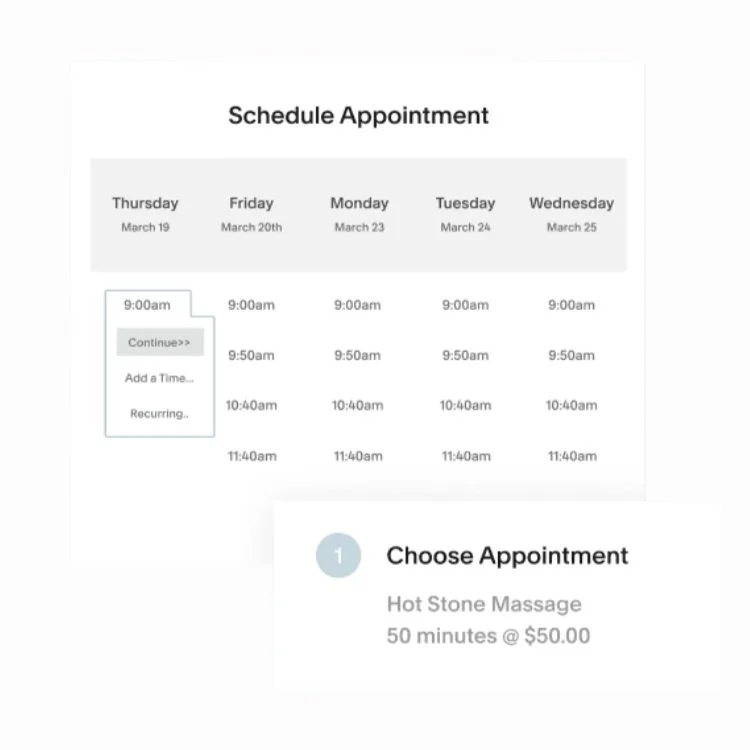
Describe how customers can use the appointment block with you here. Note: This is a screenshot for demo purposes. Simply replace it with the SQSP scheduling block, or embed any third-party booking app using the code block. Use the pop-up form button for customers to ask questions or join a waitlist.
Subheading
Schedule Your Appointment
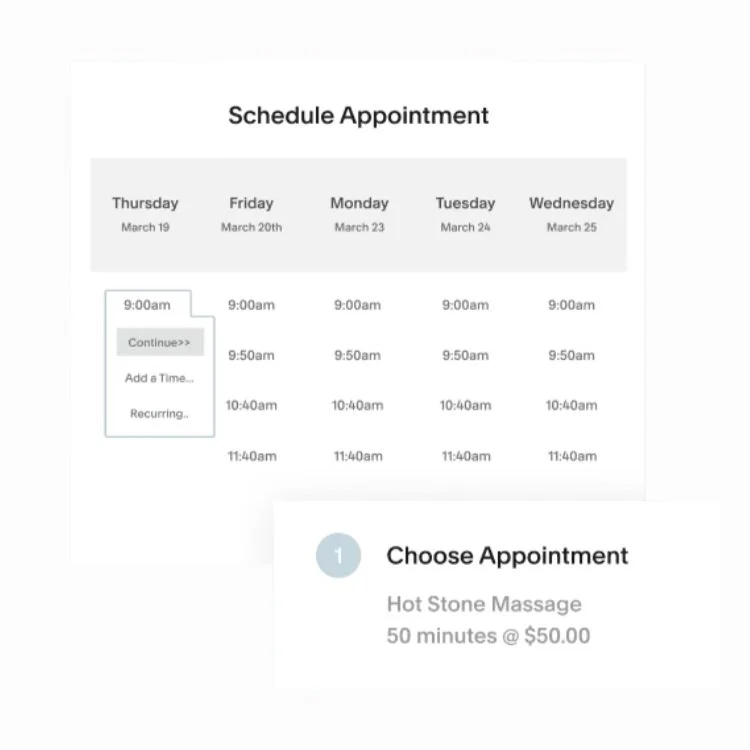
Describe how customers can use the appointment block with you here. Note: This is a screenshot for demo purposes. Simply replace it with the SQSP scheduling block, or embed any third-party booking app using the code block. Use the pop-up form button for customers to ask questions or join a waitlist.
Subheading
Schedule Your Appointment
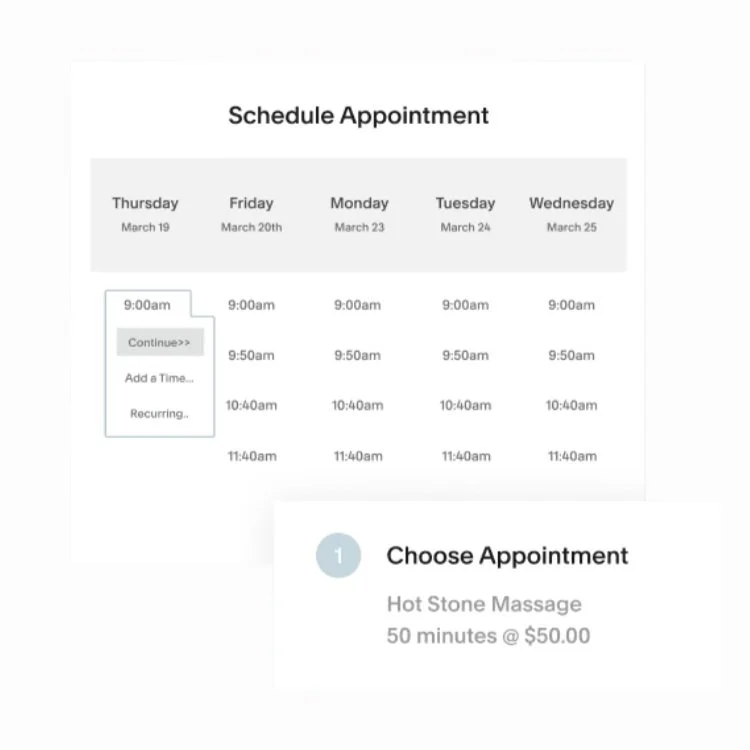
Describe how customers can use the appointment block with you here. Note: This is a screenshot for demo purposes. Simply replace it with the SQSP scheduling block, or embed any third-party booking app using the code block. Use the pop-up form button for customers to ask questions or join a waitlist.
Subheading
Schedule Your Appointment
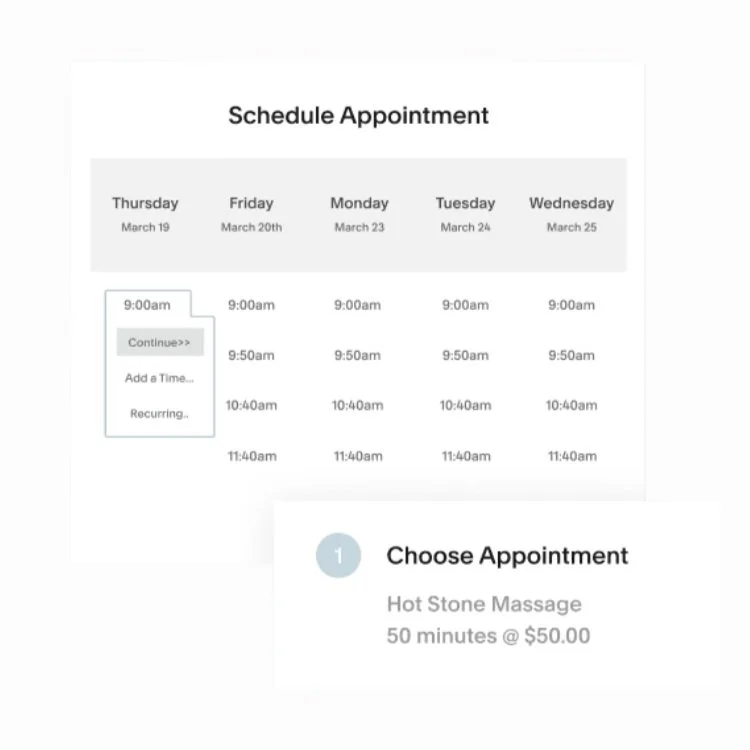
Describe how customers can use the appointment block with you here. Note: This is a screenshot for demo purposes. Simply replace it with the SQSP scheduling block, or embed any third-party booking app using the code block. Use the pop-up form button for customers to ask questions or join a waitlist.
Subheading
Schedule Your Appointment
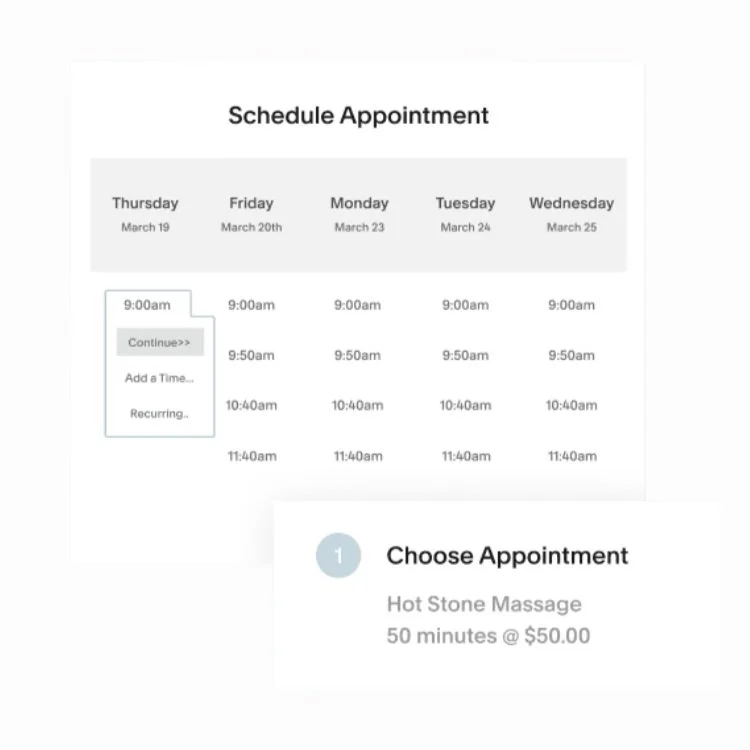
Describe how customers can use the appointment block with you here. Note: This is a screenshot for demo purposes. Simply replace it with the SQSP scheduling block, or embed any third-party booking app using the code block. Use the pop-up form button for customers to ask questions or join a waitlist.
Subheading
Schedule Your Appointment
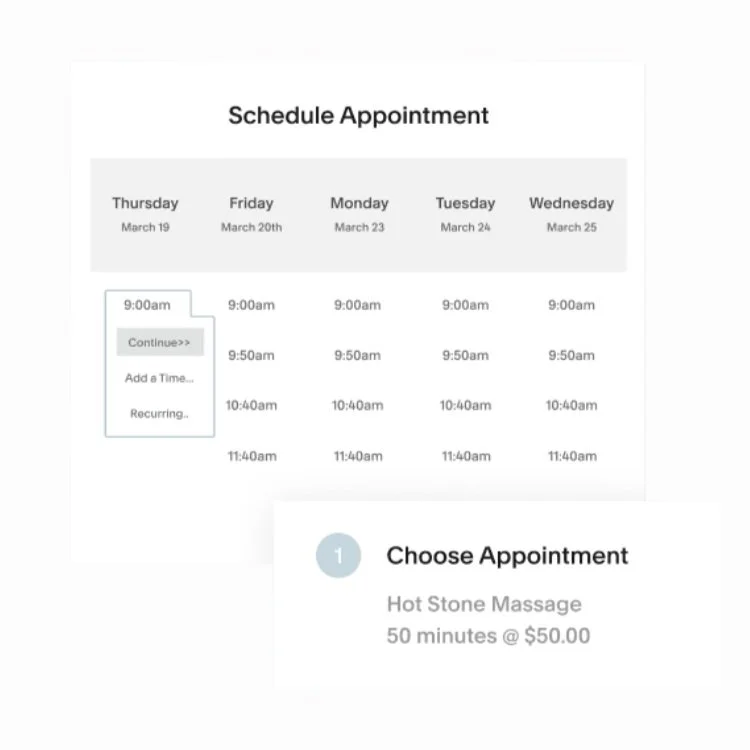
Describe how customers can use the appointment block with you here. Note: This is a screenshot for demo purposes. Simply replace it with the SQSP scheduling block, or embed any third-party booking app using the code block. Use the pop-up form button for customers to ask questions or join a waitlist.